AWS EC2 Basics: Beginner's Guide

Amash is a recent B-Tech CSE graduate from Birla Institute of Applied Sciences. Having an interest in learning new technologies is one of his greatest assets.
Trying to be a part of global communities 🌍 Opportunity seeker. Open source contributor. 🔓
AWS account setup
To get started with AWS you must have an account. Go to AWS Official Site and set up your account first. If you're a registered user then sign in to your account and if you don't have an account then create an account.
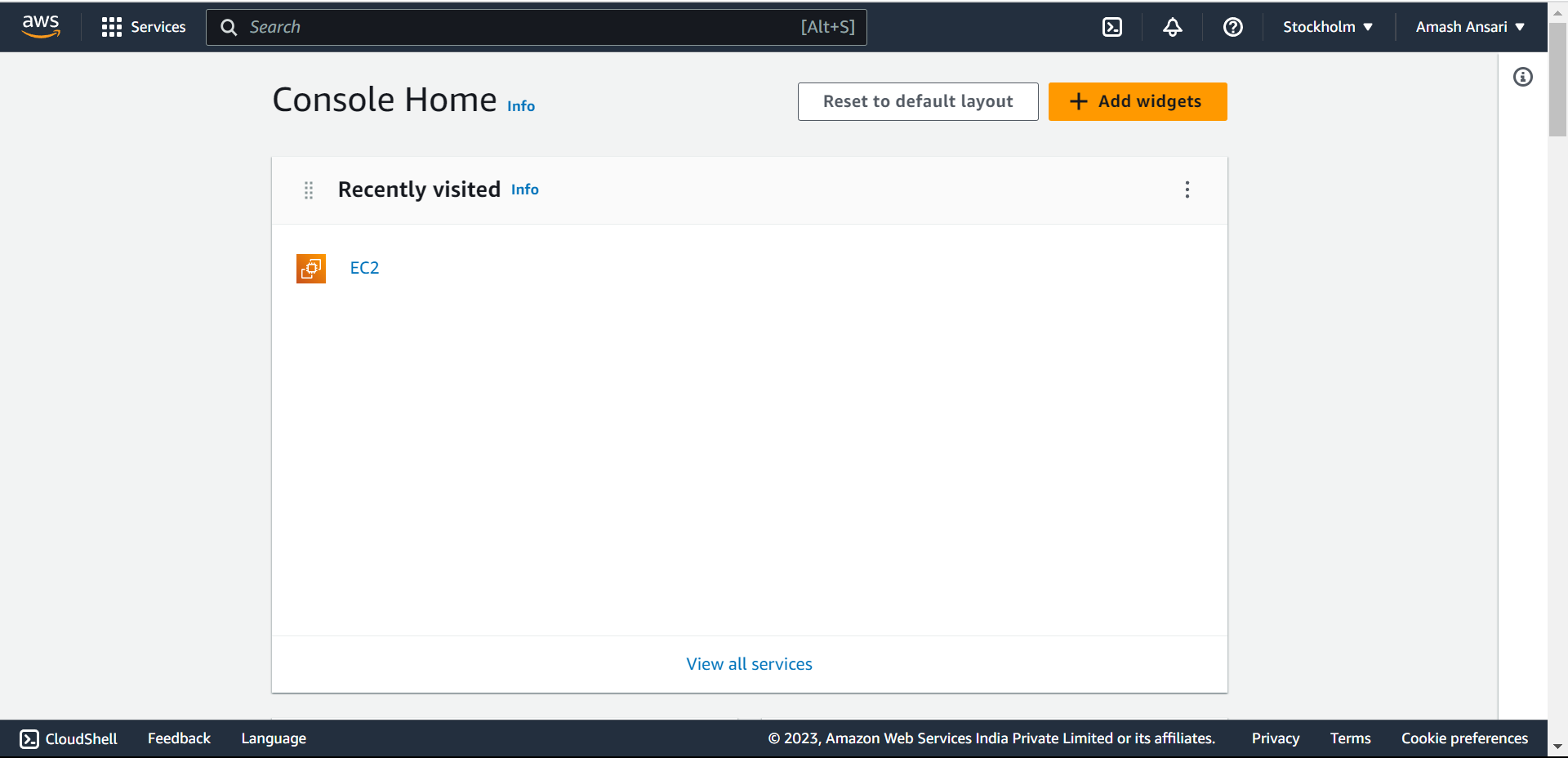
Registration on AWS is super easy. Fill in all the details correctly. After the registration is done, sign in to the aws console as the root user.
Setting up EC2 instance
EC2 stands for Elastic Compute Cloud. AWS allows us to access a server (instance) from our local machine for several purposes. We can actually rent this server for our personal use.
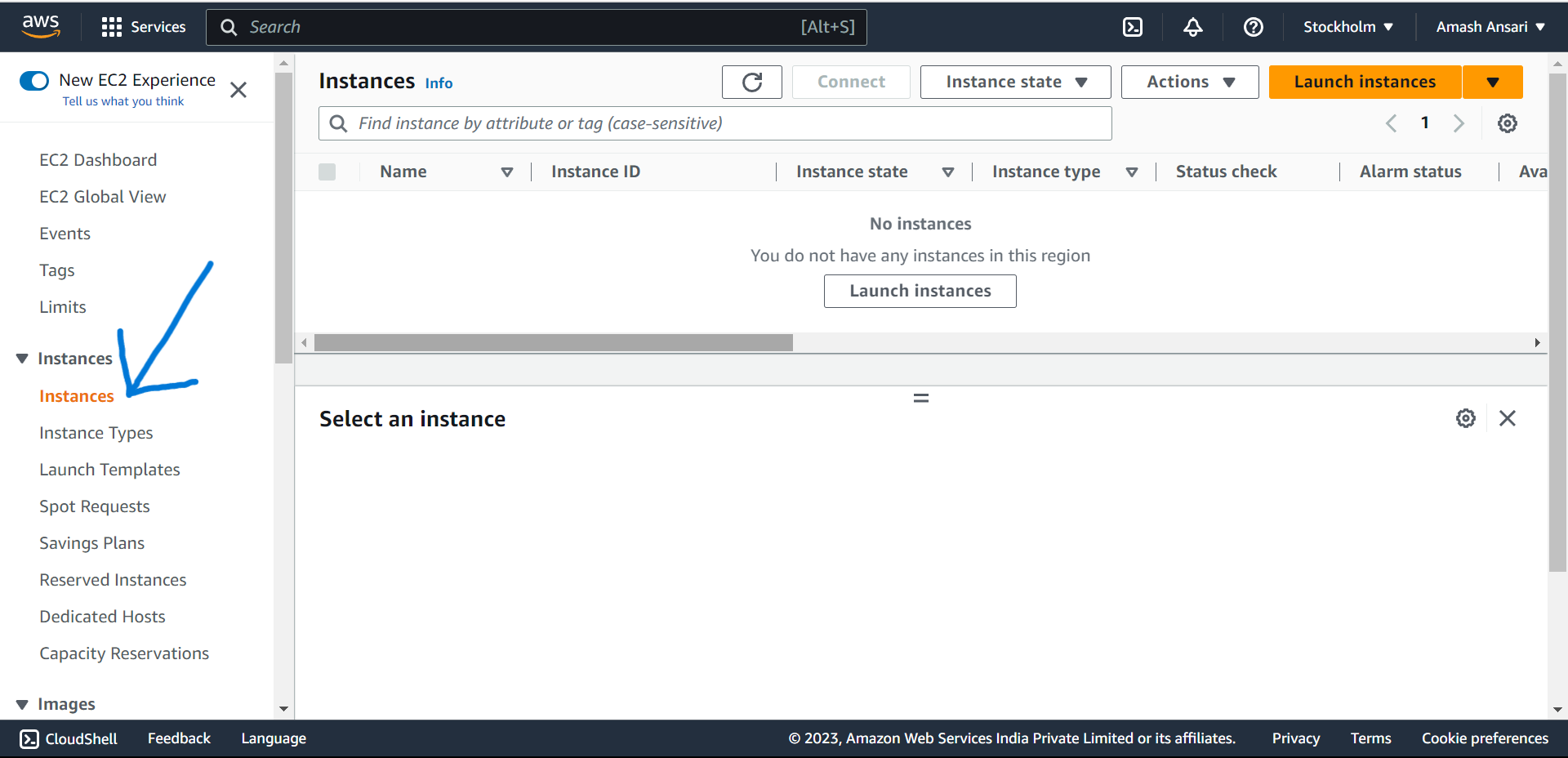
To get connected with this server click on Instances.
Then click on the launch instance. After that give the name to your server
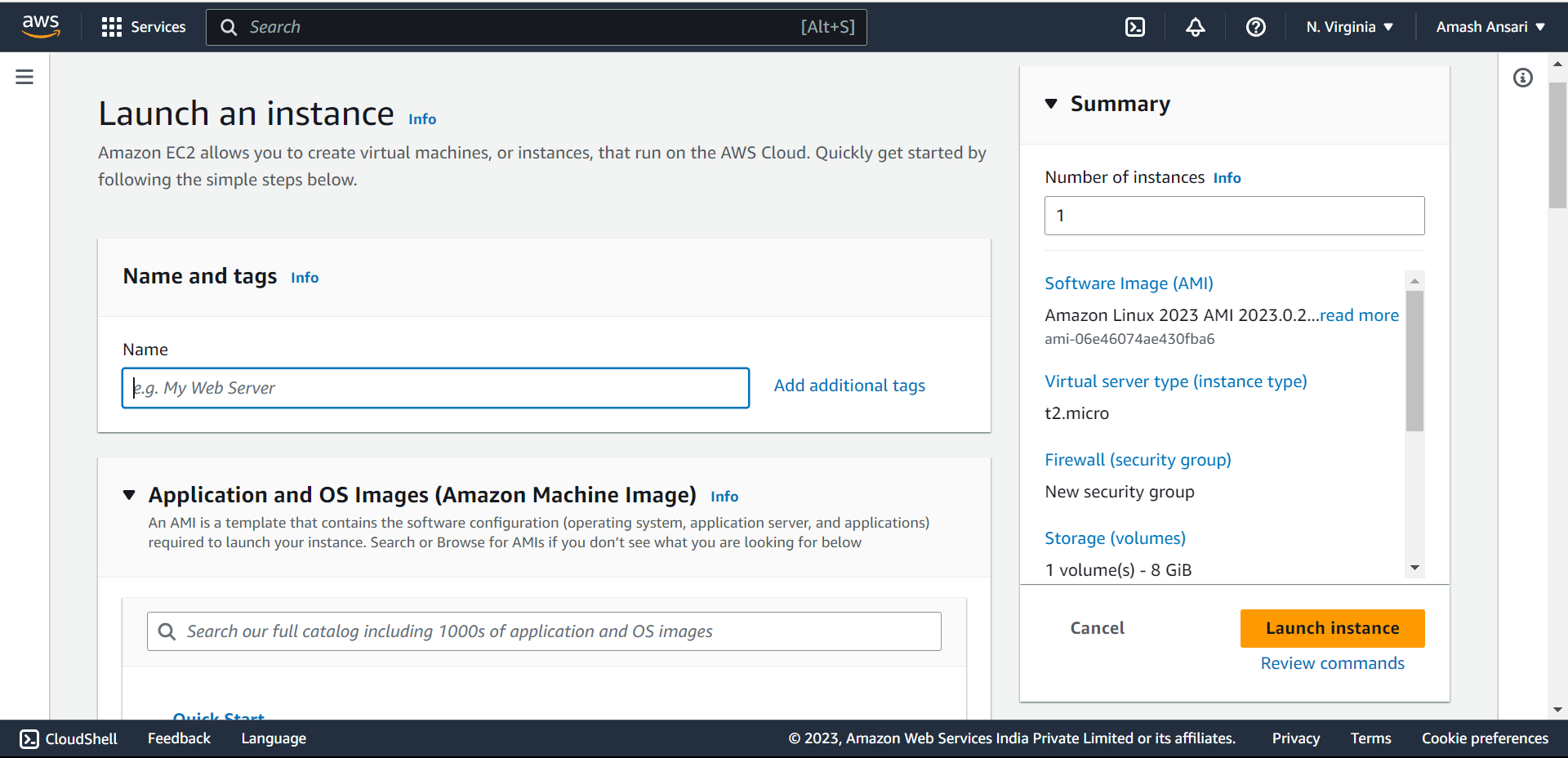
Then select your desired flavor of Linux eg. Ubuntu, Red Hat, Kali, SUSE, Debian, etc.
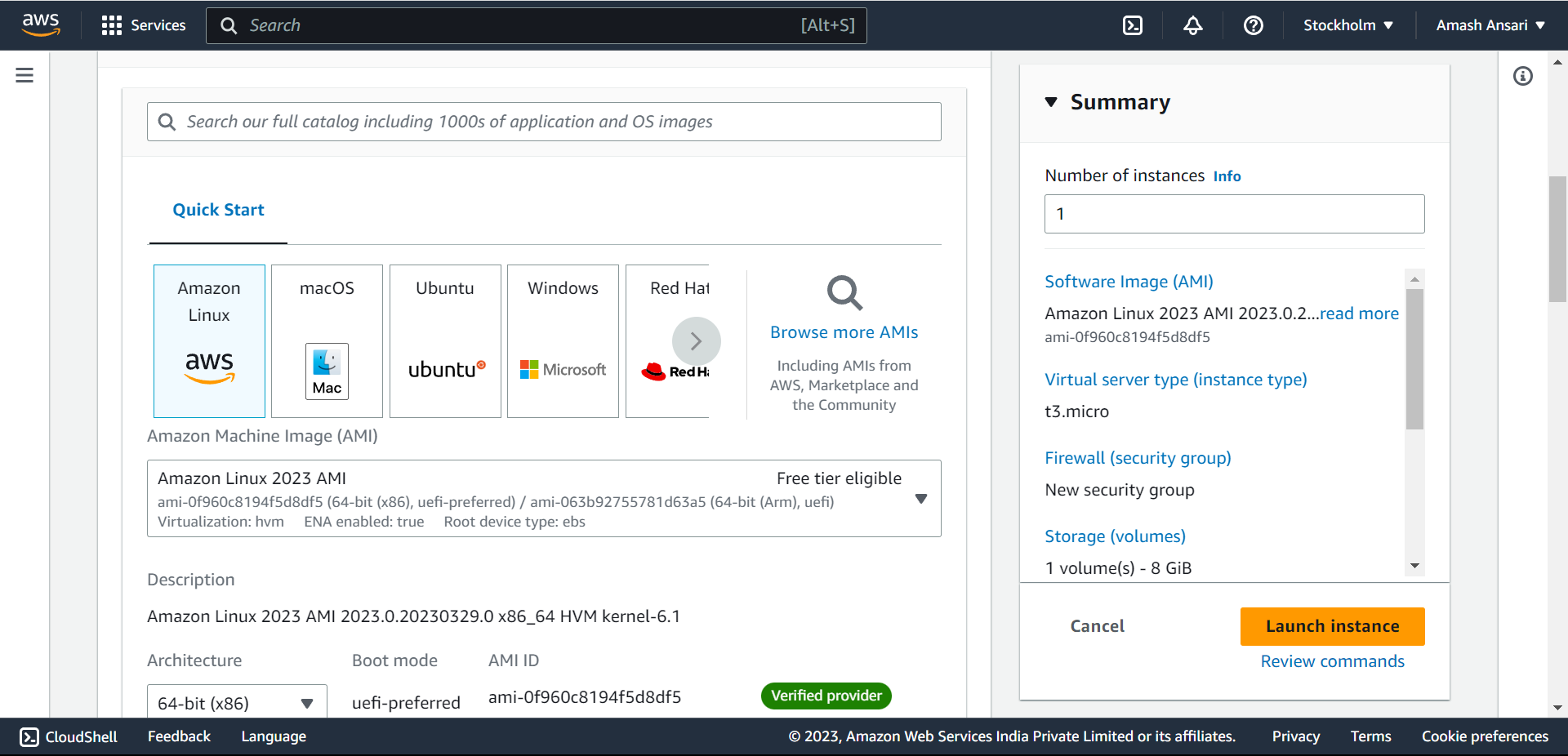
Note : Try to select a Free tier eligible plan to get rid of huge bill. You'll get 1 vCPU and 1GiB Memory and will be charged for 0.0162 USD per Hour
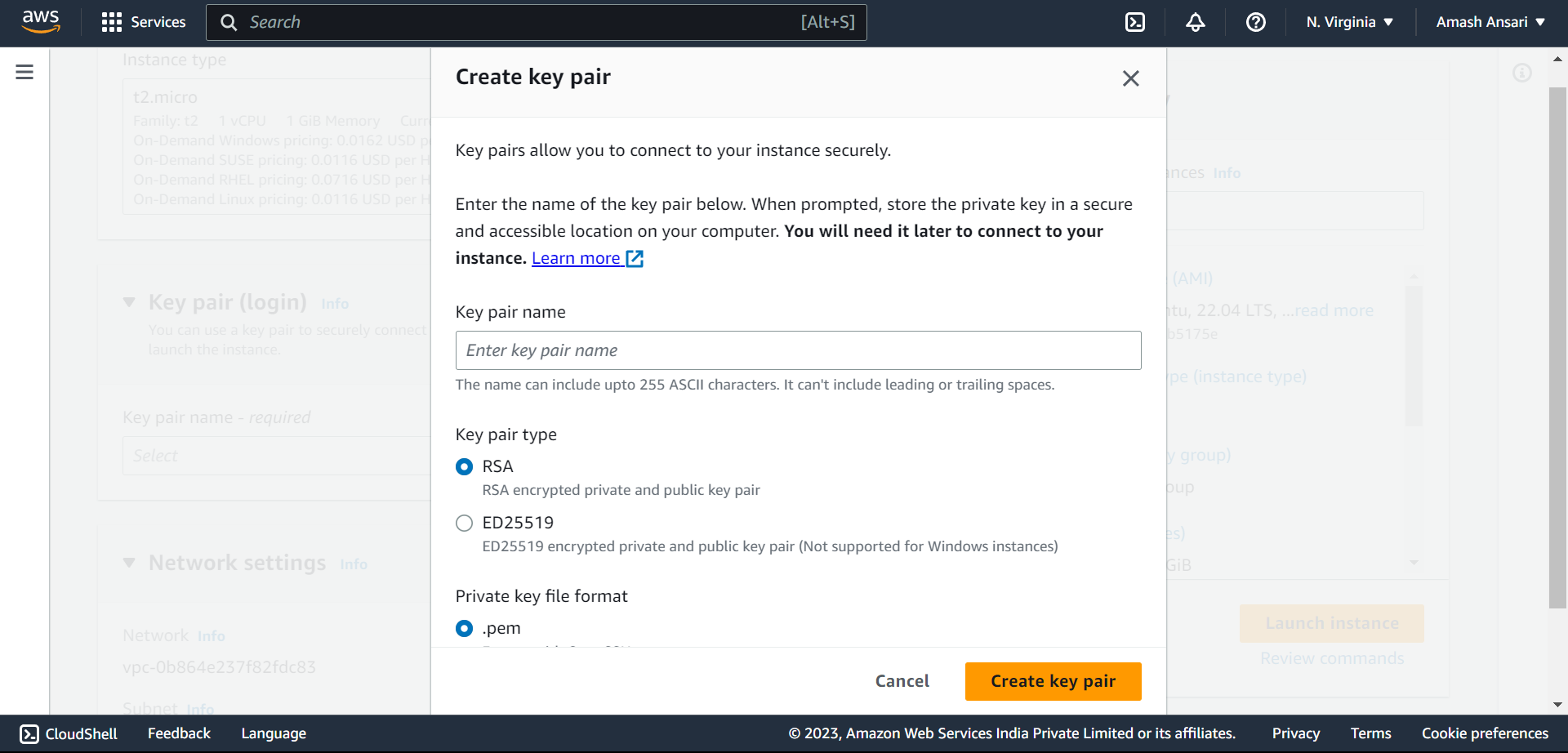
And then, create a key pair. Key pair is a password to check for authenticated users. Once the Key pair is downloaded, click on launch instance.
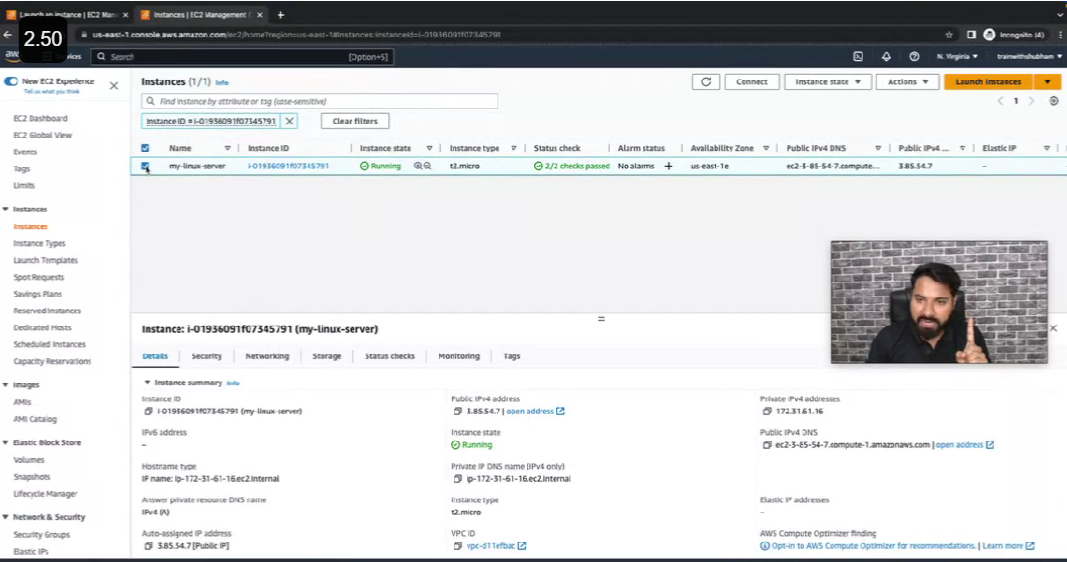
Once the status of your server is passed, check the checkbox of your server and click on connect. Then click on the EC2 instance connect to get your server on your screen.
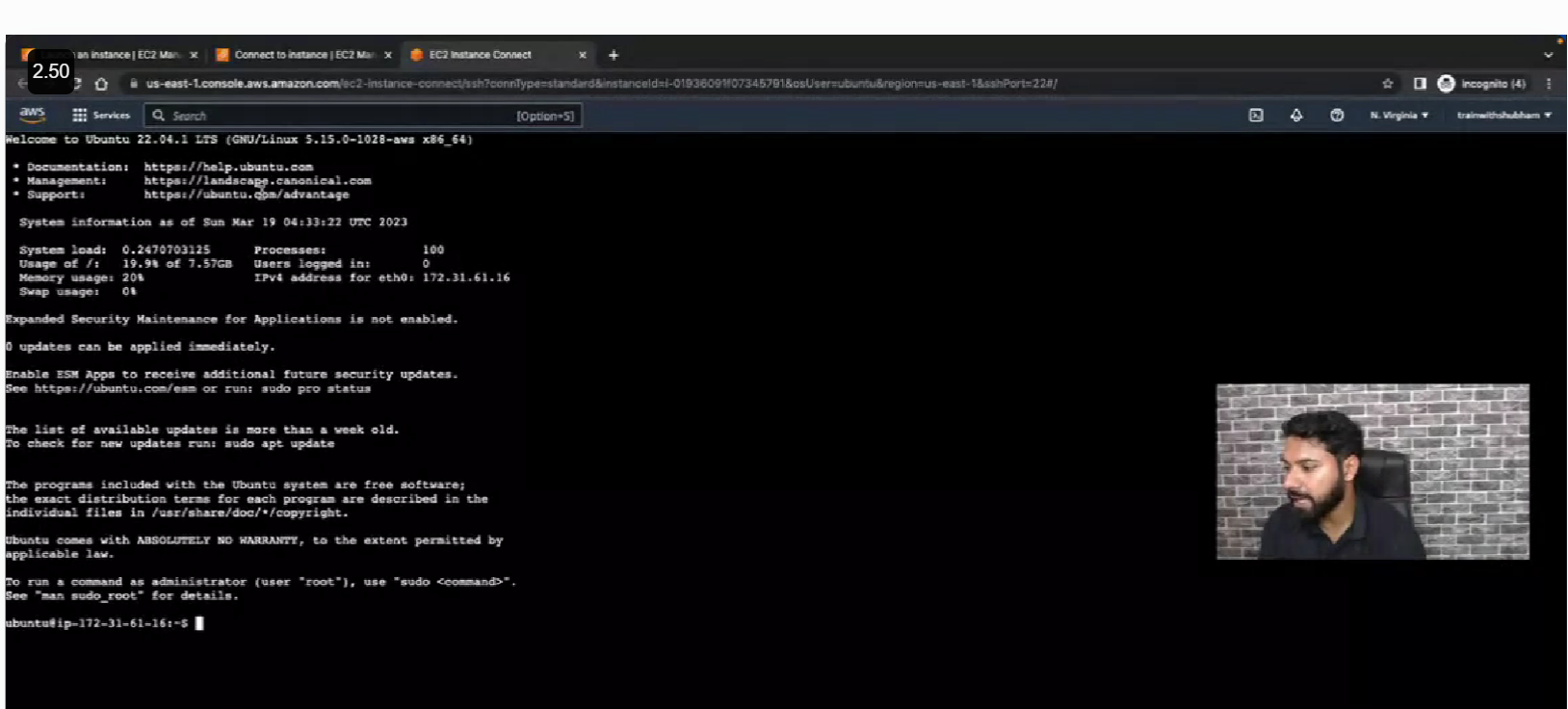
Congratulations 🎉 you're now connected to the EC2 instance.
Still having queries watch out the video below 👇